VPN GUIDES
What to check before choosing a free VPN
A free VPN can be a fine way to start, but you’re routing traffic through it. Check the publisher, funding, privacy label, permissions and trial terms first.
· VVPN

VVPN FOR IPHONE
Get VVPN from the App Store and connect through an available VPN server. Learn how to approve the iPhone VPN configuration and check your browser’s public IP.

The App Store lists in-app purchases. See the app for current plans, free access limits and availability.
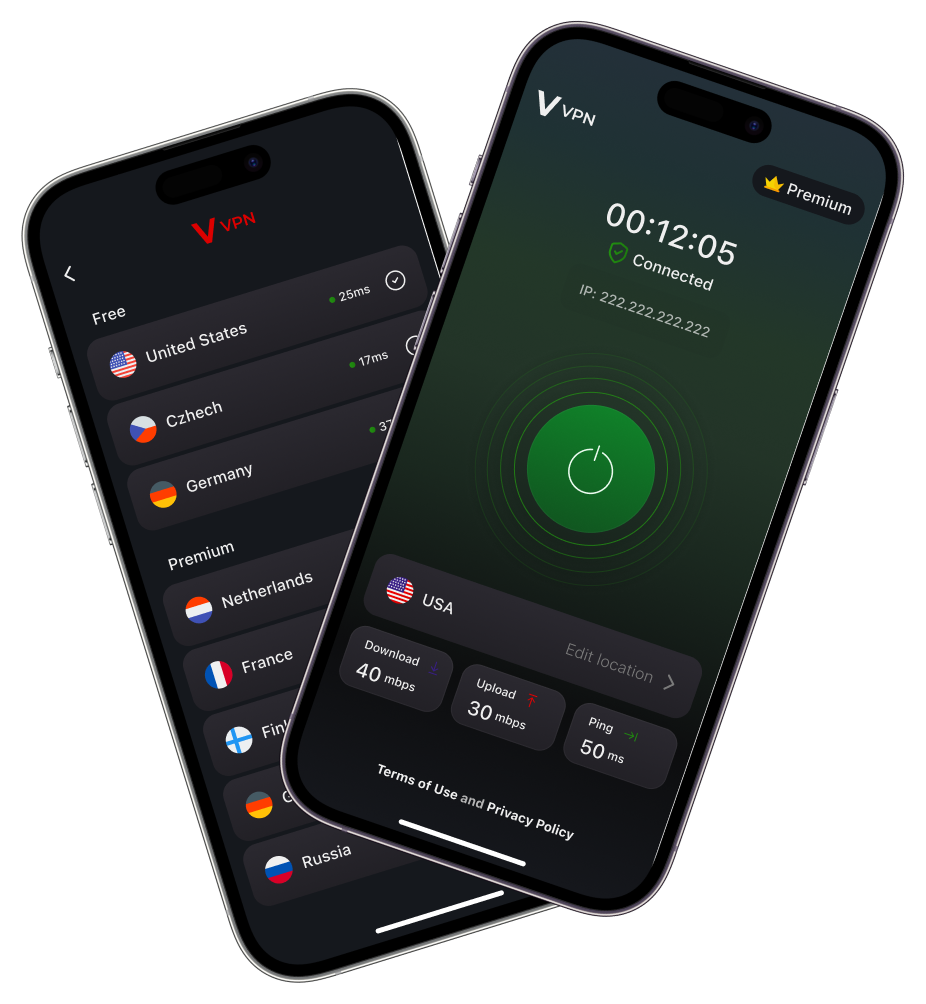
Permission wording and screens can change between iOS and app versions. The operating system’s VPN approval gives the app permission to set up its connection; it is not a guarantee about every website or app.
A private browser window and a VPN are different tools. Private browsing manages aspects of a browser session; VVPN routes covered traffic through a VPN server. Signing into a website still identifies your account to that website.
If you use another privacy or network service, compare results in the same browser and on the same network. The address a website sees can reflect more than one part of your connection.
If the problem continues, contact support@vvpn.pro. Include your iOS version, VVPN version and the connection status you saw. Keep passwords and payment details out of diagnostic messages.
Use the app and the App Store purchase screen to check current prices, renewal terms and available access. Free download availability does not mean unlimited access to every server. Existing App Store subscriptions can be managed through your Apple account.
Read the VVPN privacy policy and terms of use. For a second phone, see the Android VPN guide.
THE VVPN BLOG
VPN GUIDES
A free VPN can be a fine way to start, but you’re routing traffic through it. Check the publisher, funding, privacy label, permissions and trial terms first.
· VVPN
VPN GUIDES
Usually a little, sometimes not at all. See why a VPN can add latency, when it can feel faster, and how to measure and reduce the difference yourself.
· VVPN
VPN GUIDES
HTTPS already protects most of what you send on public Wi-Fi, but the network operator can still see which services you use. See what a VPN actually changes.
· VVPN
VPN GUIDES
Private browsing limits what your browser keeps on your device. A VPN changes how traffic reaches the internet. Learn when each helps and where their limits are.
· VVPN
VPN GUIDES
Compare your public IP before and after connecting to a VPN. Learn what a changed address means, why it may stay the same, and what this check cannot prove.
· VVPN
VPN GUIDES
DNS finds records for domain names; a VPN routes network traffic. Understand their different jobs and why a DNS lookup is not a VPN leak test.
· VVPN