VPN GUIDES
What to check before choosing a free VPN
A free VPN can be a fine way to start, but you’re routing traffic through it. Check the publisher, funding, privacy label, permissions and trial terms first.
· VVPN

VVPN FOR ANDROID
Download VVPN from Google Play, choose an available server and connect. Use the guide below to set up your connection and check the public IP your browser shows.


Plans, free access limits and availability are shown in the app. Google Play lists in-app purchases and ads.
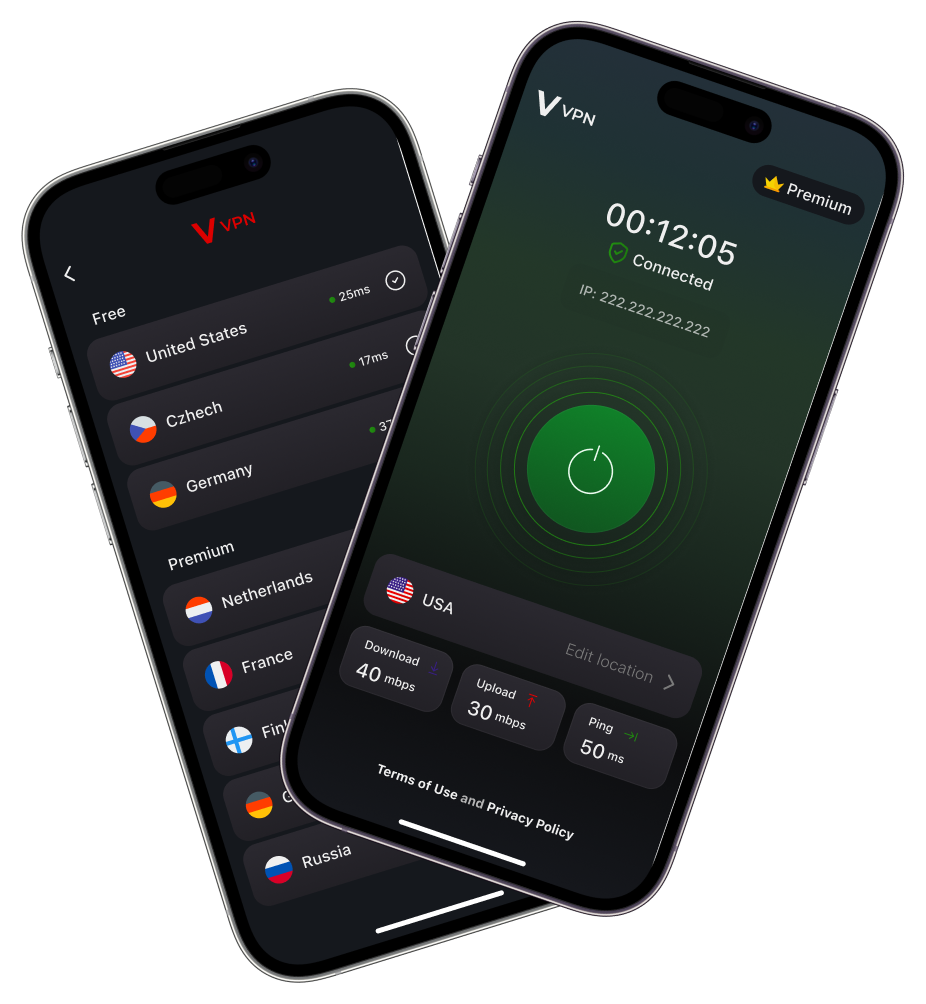
Exact screens and permission wording can vary with your Android version and VVPN release. For Android’s system VPN controls, see Google’s Android VPN help.
You can start with the internet connection your phone already uses. When you move between Wi-Fi and mobile data, check the app’s connection status again. A network change can interrupt a session, and a connected label alone does not establish how every app is routed.
Keep HTTPS enabled and be careful with account sign-ins and downloaded files. A VPN changes the route of covered traffic; it does not make an unsafe site trustworthy or remove browser history.
For help, contact support@vvpn.pro with your Android version, VVPN version and what happened. Do not include passwords or payment details.
Check the app for the free access currently available, any session limits and paid options. Downloading an app without an upfront charge does not mean every server or feature is unlimited. Review the terms shown before confirming a purchase.
Use the separate VVPN for iPhone guide. For product data handling, read the privacy policy.
THE VVPN BLOG
VPN GUIDES
A free VPN can be a fine way to start, but you’re routing traffic through it. Check the publisher, funding, privacy label, permissions and trial terms first.
· VVPN
VPN GUIDES
Usually a little, sometimes not at all. See why a VPN can add latency, when it can feel faster, and how to measure and reduce the difference yourself.
· VVPN
VPN GUIDES
HTTPS already protects most of what you send on public Wi-Fi, but the network operator can still see which services you use. See what a VPN actually changes.
· VVPN
VPN GUIDES
Private browsing limits what your browser keeps on your device. A VPN changes how traffic reaches the internet. Learn when each helps and where their limits are.
· VVPN
VPN GUIDES
Compare your public IP before and after connecting to a VPN. Learn what a changed address means, why it may stay the same, and what this check cannot prove.
· VVPN
VPN GUIDES
DNS finds records for domain names; a VPN routes network traffic. Understand their different jobs and why a DNS lookup is not a VPN leak test.
· VVPN